



How to Become an EMT in California — The Right Way
Getting your EMT certification in California means navigating training programs, exams, and state documentation — but the process is more manageable than it looks. Once you pass the NREMT cognitive exam, you're already most of the way there. How To NREMT supports California EMT candidates with strategy-focused practice tests, AI-powered tutoring, and a full 10-step training plan built for first-time test-takers.
Clear Steps to Become an EMT in California
Becoming an EMT in California involves completing Local EMSA-approved training, earning your NREMT certification, and finishing your county's certification process. Here's how EMT training in California moves from classroom to license.
California EMT Requirements
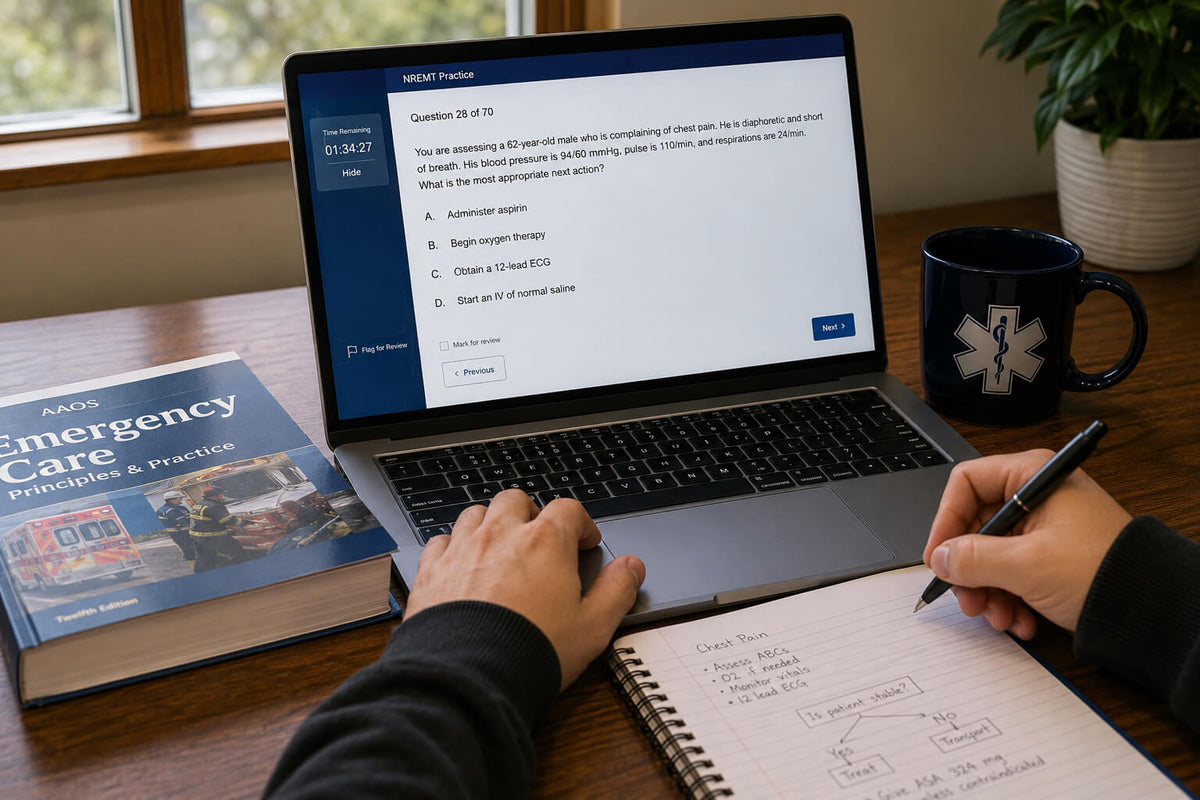
Before starting the EMT certification process in California, make sure you meet the following requirements:
- Meet the minimum age requirement of 18 years
- Meet the minimum education requirement of a high school diploma or equivalent
- Enroll in and complete a state-approved EMT course
- Pass the NREMT cognitive exam
- Pass the state psychomotor exam
- Meet basic background check requirements
Step 01
Enroll in a California-Approved EMT Training Course
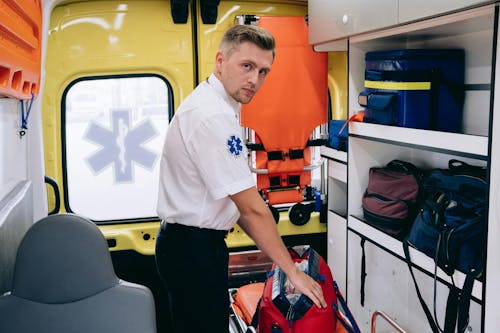
California requires candidates to enroll in and complete an EMT course approved by their Local EMSA (Local EMS Agency). The program blends classroom instruction, lab work, and clinical or field experience. After you complete the course, your course director verifies your training, making you eligible to sit for the NREMT cognitive exam.
Step 02

Build Your EMT Knowledge and Practical Skills
Your California EMT training prepares you for more than the NREMT exam — it builds the hands-on skills and clinical judgment you'll need in the field. Passing the state psychomotor exam during this stage confirms you can apply your training in real patient-care situations.
Step 03
Understand the Updated NREMT Course Domains
The National Registry has updated its EMT course domains to reflect current patient-care needs, replacing the traditional airway and cardiology domains. Candidates preparing for the NREMT cognitive exam in California should focus on:
- Scene Size-Up and Safety — assessing the scene for life threats and hazards to patient safety
- Primary Assessment — evaluating consciousness level, circulation, airway, and breathing
- Secondary Assessment — a thorough patient assessment covering medical history, physical exam, and underlying conditions
- Patient Treatment and Transport — patient interventions, splinting fractures, administering oxygen, and safe transport
- Operations — EMS operations like ambulance stock maintenance and dispatch communication
Pediatric patient-care content is integrated throughout all domains.
Step 04
Prepare for the NREMT Cognitive Exam
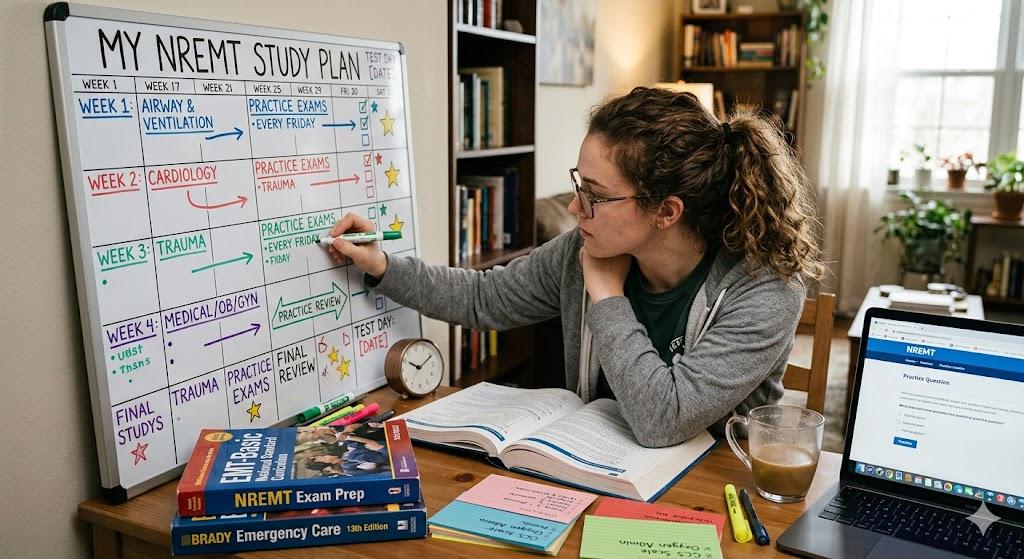
The NREMT cognitive exam in California is a computer-adaptive test (CAT), taken at a Pearson VUE testing center, where question difficulty adapts based on your previous answer. Passing requires more than memorization — you need to apply your knowledge in real time. How To NREMT's California NREMT exam prep includes:
- 2,000+ practice questions that replicate the National Registry's scoring algorithm
- A real-time feedback system to identify your strong and weak areas
- An AI bot offering one-on-one online support whenever you're stuck
Step 05
Pass the NREMT Cognitive Exam
Once you feel ready, sit for the NREMT cognitive exam at your scheduled Pearson VUE center. How To NREMT's 10-step training program is designed to support you toward passing, whether it's your first attempt or a retake.
Step 06
Gather Your California EMT Certification Documents
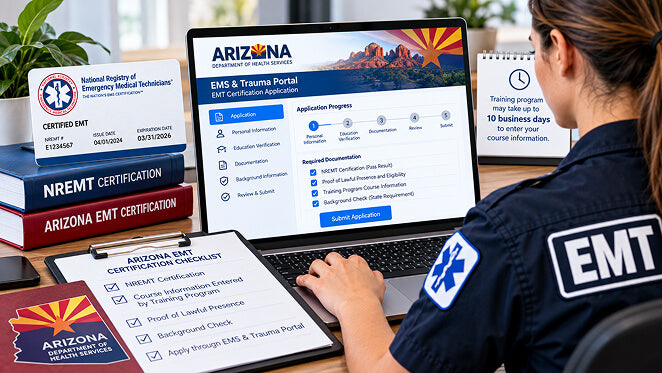
Before applying for your California EMT license, gather the required documentation: proof of state-approved EMT course completion, your NREMT exam passing result, a psychomotor skills verification form, CPR certification, and results of your fingerprint background check.
Step 07
Apply for Your California EMT License Through Local EMSA
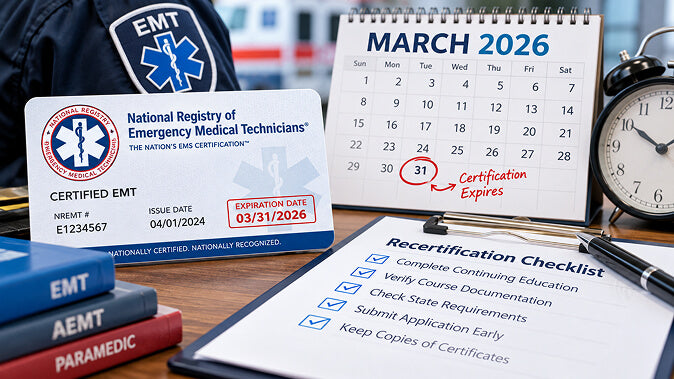
Submit your documents through your Local EMSA (Local EMS Agency) portal and wait for approval. In California, each county has its own local EMS office, so make sure you're submitting your application to the correct county EMS office for your area.
NREMT vs. California EMT Requirements: Key Differences
| Requirement | NREMT (National) | California (State) |
|---|---|---|
| EMT Course | Required | Required |
| NREMT Cognitive Exam | Required | Required |
| Skills Verification (ALS Psychomotor Skills) | Not required | State required |
| CPR Certification | Required | Required |
| Background Check | Not required | Required |
Note: The National Registry no longer tests for ALS psychomotor skills; this requirement is now state-based only, and California continues to require it.
FAQs
Is the psychomotor exam still required to become an EMT in California?
Not at the national level — NREMT dropped it. California still requires its own state psychomotor exam.
What format is the NREMT cognitive exam?
A computer-adaptive test (CAT) taken at a Pearson VUE testing center, where question difficulty adjusts based on your answers.
How do I apply for my EMT license in California?
Submit your documents through your Local EMSA (Local EMS Agency) portal — each California county has its own local EMS office.
What documents do I need for my California EMT application?
Proof of course completion, your NREMT passing result, a psychomotor skills verification form, CPR certification, and a fingerprint background check.
Does How To NREMT offer live support during exam prep?
Yes — an AI bot for on-demand help, plus a 7- or 14-day live EMT Exam Boot Camp via Zoom.
Become Test-Day Ready With How To NREMT
You bring the motivation. We bring the strategy-based tools. Whether you're preparing for the NREMT exam California candidates take for the first time or getting ready for a retake, How To NREMT gives you the practice questions, real-time feedback, and one-on-one AI tutoring you need to walk into test day with confidence. Start preparing today and take the next step toward your California EMT certification.
- Choosing a selection results in a full page refresh.